A clear guide to setting up a rented office printer in 2026, covering network steps, modern specs and business benefits based on real usage trends.
Recent market data reveals over 48 percent of enterprises now prefer printer rental models to reduce upfront investment and simplify maintenance. That shift reflects the growing need for flexibility in modern office setups.
In our 33 years serving Indian offices in Delhi, Mumbai, Bengaluru and beyond, we’ve seen how a smooth printer setup can transform document workflows and free IT teams from constant downtime.
This guide walks you through every step of setting up a rented printer for office use. You’ll gain practical clarity on installation, configuration, network integration and usability tuned to today’s business needs.
Deep Dive
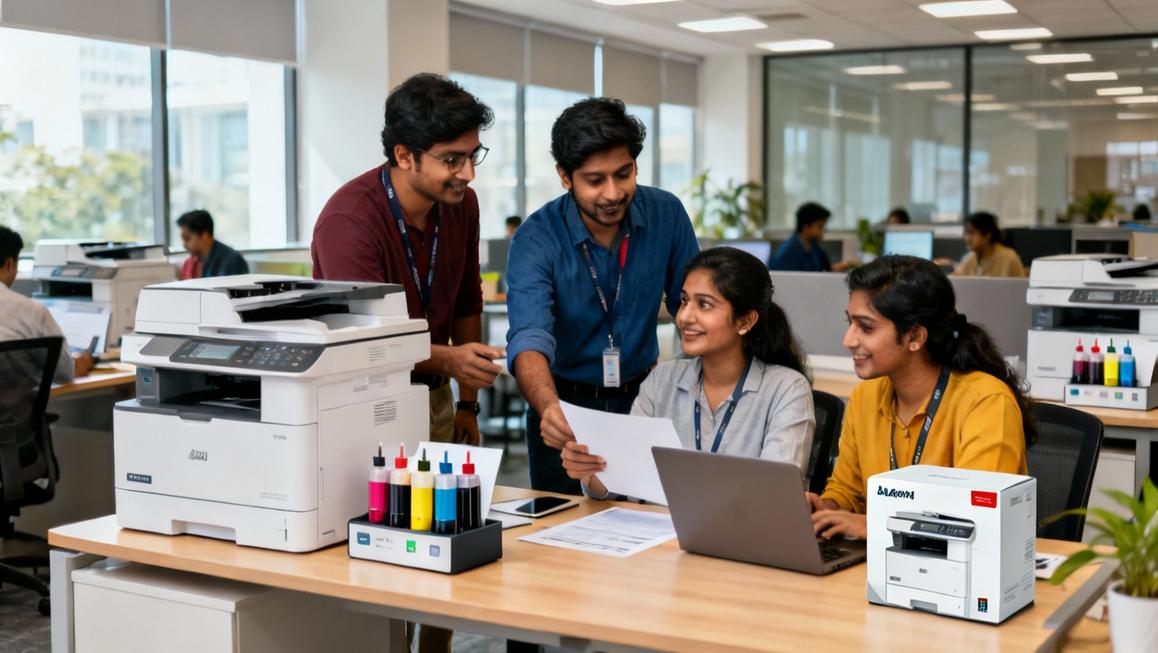
First establish what kind of printer you have—inkjet, multifunction inkjet, ink tank or laser. Multifunction inkjet devices dominate over 41 percent of India’s inkjet market, offering print, scan and copy plus wireless support—all ideal for hybrid office environments. Ink tank models are growing fast at nearly 12 percent CAGR with high yield and eco friendly refill systems. Laser printers still lead in fast monochrome output for document heavy workflows.
Preparing your rented printer correctly gives you modern capability without locking into capital expense, with full maintenance and upgrades handled by the provider—preserving your team focus for strategic work. Renting promotes flexible financial planning and scalable support.
Step 1 Configure Physical Setup and Power
Unpack and place the printer in a well ventilated area near a power outlet and network access. Most models today include auto power calibrations and energy saving modes. Ensure proper paper tray orientation and connect to mains power. Ink tank printers often feature front refill access—verify that’s in range before install.
Step 2 Network Connection and Wireless Setup
Modern rented printers support:
- Ethernet for stable office LAN access and central device management
- Wi‑Fi for flexible placement and hybrid teams needing mobile printing
- Cloud or mobile printing via protocols like AirPrint, Mopria or Google Cloud Print
In many offices, connecting via Ethernet provides quickest setup and easiest SSO policy alignment. For Wi‑Fi, you’ll input SSID and credentials via the printer panel or embedded web interface. Once connected, obtain the IP address for driver installation.
Network integration matters—recently over 42 percent of rented printers integrated with cloud or IoT systems enabling remote diagnostics and predictive maintenance, improving uptime by up to 22 percent.
Step 3 Install Drivers and Configure Workstations
Download the correct printer drivers from the vendor portal or use embedded universal drivers. Install on each workstation by adding a new printer via network or IP address. Enable duplex or colour options as required. On Mac environments consider downloading latest P‑touch drivers for multifunction setups. For shared floor printers configure as network printers to avoid redundant installations.
Step 4 Fine Tune Print Settings and Security
Set default behaviour in admin panel or driver preferences:
- Duplex printing to reduce paper use
- Draft mode for internal documents
- Secure job release if sensitive documents pass through shared devices
Many office rental printers now support PIN or badge release features for secure access. Enable network encryption (WPA2 or higher) for Wi‑Fi models and SMT PS filtering to protect against external threats.
Step 5 Maintenance Planning and Support Integration
One key benefit of printer rental is included support and toner or ink replenishment. Modern rental services often deliver predictive analytics so downtime drops by nearly 22 percent. Plan for:
- Regular toner or ink level monitoring
- Scheduled preventive checks
- Rapid replacement in case of failure to meet SLA uptime of 95 percent or higher
Our clients in Pune and Hyderabad particularly value this continuity when handling financial year document cycles or conferences. It keeps workflows smooth without stretching IT staff.
Step 6 Mobile and Cloud Print Testing
With cloud integration increasingly common—over 64 percent of rental providers add this—test printing from smartphones or cloud profiles. Ensure device supports AirPrint, Mopria or official corporate mobile printing solutions. Confirm credentials and device discovery so guests or hybrid workers can securely print from personal devices.
Contextual Use Case
At Indian startup camps in Mumbai our rented ink tank printers handled event badges and manuals smoothly—yielding 8000 prints per refill bottle with low interruptions. In Delhi corporate offices multifunction devices managed day to day HR documentation while analytics helped identify waste and optimise consumable usage.
These setups shift printing from a recurring friction point to a seamless utility aligned with growth cycles and Opex planning. It’s a budget friendly approach without capital expenditure and scales with your project or team size.
Internal Resources
Explore our workstation rental services if you need integrated setups with printers for short term projects. For premium portable printing designed for creative teams consider our MacBook rental combos. If you also require display support for print review sessions, our projector rental integrates neatly into hybrid presentations.
Key Takeaways
- Multifunction inkjet printers lead 41 percent of India’s inkjet market offering wireless, scan and print flexibility
- Ink tank models growing at nearly 12 percent CAGR deliver high yield and eco friendly operations ideal for heavy office workloads
- Over 42 percent of rental printers now integrate cloud or IoT tech for predictive support and 22 percent improved uptime
- Printer rental preserves capital, delivers maintenance and scales with seasonal projects or office growth
- Our 33 years of experience across Delhi, Mumbai, Bengaluru and more means smooth installation, support and ROI focused setup for your team
Wrap-up
Setting up a rented printer for your office now feels clear and manageable. You’ve learned how to unpack, network connect, install drivers, secure print jobs, enable mobile access and align maintenance—all without tying up capital or burdening your IT team.
This setup aligns with modern office demand for flexible, efficient, low hassle print workflows. It supports your hybrid teams, seasonal peaks, and evolving document needs across Delhi, Pune, Hyderabad, Bengaluru and Noida.