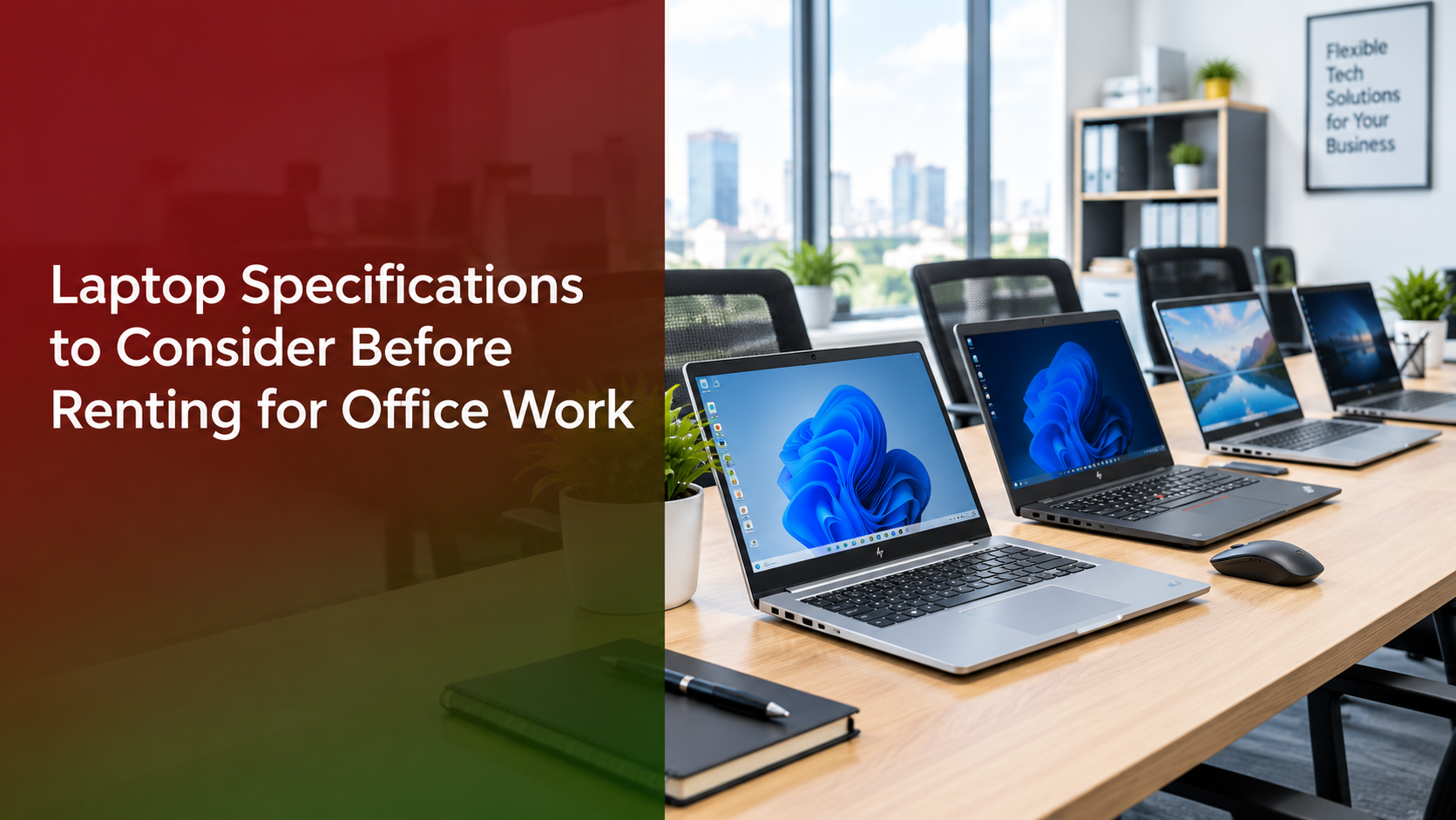
Setting up a new team, running a short-term project, or scaling quickly? Choosing a laptop on rent is one of the smartest ways to equip your workforce without a large upfront investment. Renting keeps your cash free, lets you scale up or down as headcount changes, and removes the burden of maintenance and upgrades.
But not every rental laptop suits every job. A machine that works for data entry may struggle with design software or video calls. This guide walks you through the specifications to check before you rent, so your team stays productive from day one.
Why Specifications Matter When Renting a Laptop
A slow or underpowered laptop costs more than it saves. Employees lose time waiting for files to open, video calls lag, and the IT team spends hours on complaints. Over-specifying is also wasteful, since you pay a higher monthly rent for power nobody uses. Whichever laptop rental company you choose, matching the right specifications to each job role ensures you pay only for the performance your team actually needs.
The goal is to match the laptop to the job role. Let’s look at what to check.
Key Laptop Specifications to Check Before Renting
1. Processor (CPU)
The processor is the brain of the laptop and decides how smoothly it handles multiple tasks.
- Intel Core i3 or AMD Ryzen 3: Suitable for basic tasks like email, documents, and browsing.
- Intel Core i5 or AMD Ryzen 5: The best all-rounder for most office work, including spreadsheets, CRM tools, and video meetings.
- Intel Core i7 or AMD Ryzen 7: Ideal for developers, designers, and data analysts running heavy applications.
Recommendation: For most teams, an i5 or Ryzen 5 processor offers the best balance of performance and rental cost.
2. RAM (Memory)
RAM determines how many applications you can run at once without slowdowns.
- 8GB: Enough for light multitasking and standard office software.
- 16GB: Better for heavy multitasking, large spreadsheets, coding, and creative work.
Recommendation: Choose 8GB as a minimum for office use. If employees keep many browser tabs, video calls, and apps open together, go for 16GB.
3. Storage: SSD vs HDD
An SSD (solid-state drive) is significantly faster than a traditional HDD. Laptops with SSDs boot in seconds and open files almost instantly.
- 256GB SSD: Fine for cloud-based workflows.
- 512GB SSD: Better for teams who store large files locally.
Recommendation: Always prefer an SSD. Avoid HDD-only laptops for office work, as they slow down daily tasks.
4. Display Size and Quality
Employees spend hours looking at their screens, so display quality affects comfort and focus.
- 14-inch: Portable and good for staff who travel or move between desks.
- 15.6-inch: Better for spreadsheets, multitasking, and design work.
- Look for Full HD (1920 x 1080) resolution and an anti-glare finish.
5. Battery Life
If your team works in hybrid mode, attends off-site meetings, or deals with power cuts, battery life matters. Look for laptops that deliver at least 6 to 8 hours of real-world use.
6. Weight and Portability
For sales teams and field staff, a lightweight laptop (under 1.6 kg) is far more convenient to carry daily. For desk-bound employees, weight matters less.
7. Operating System and Software Compatibility
Check that the laptop runs an operating system compatible with your business software.
- Windows 10/11 Pro: The most common choice for offices, with strong compatibility and business management features.
- macOS: Popular among designers and creative teams.
Also confirm whether the rental includes licensed software such as Microsoft Office, or whether you need to arrange it yourself.
8. Ports and Connectivity
Make sure the laptop has the ports your team actually uses:
- USB-A and USB-C ports
- HDMI for connecting to monitors and projectors
- Wi-Fi 6 for faster, more stable wireless connections
- Bluetooth for headsets, mice, and other accessories
9. Keyboard, Webcam, and Microphone
With video calls part of daily work, a clear webcam and microphone are no longer optional. A comfortable, backlit keyboard also reduces fatigue for employees who type all day. Aim for at least a 720p HD webcam (1080p is better) and a built-in noise-reducing microphone.
10. Security Features
Business laptops often hold sensitive data. Look for:
- Fingerprint reader or face recognition
- TPM chip for hardware-level security
- Support for disk encryption (such as BitLocker)
Recommended Laptop Specs by Job Role
| Role | Processor | RAM | Storage | Notes |
| Basic admin and data entry | Core i3 / Ryzen 3 | 8GB | 256GB SSD | Lightweight, budget-friendly |
| Sales and marketing | Core i5 / Ryzen 5 | 8GB | 256GB SSD | Good battery, portable, clear webcam |
| Developers and designers | Core i7 / Ryzen 7 | 16GB | 512GB SSD | Larger Full HD display, dedicated graphics if needed |
| Management and executives | Core i5 or i7 | 16GB | 512GB SSD | Slim, premium build, strong security |
Non-Hardware Factors When Choosing a Laptop Rental Company
Specifications are only half the story. The right laptop rental company also makes a big difference to your experience. Check these points before signing:
- Flexible rental tenure: Can you rent for a few weeks, months, or a year, and extend or end the plan easily?
- Delivery and setup speed: Quick delivery matters when you are onboarding new employees or launching a project.
- Replacement and support policy: If a laptop fails, how fast will it be repaired or replaced?
- Device condition and brand options: Look for well-maintained laptops from trusted brands such as Dell, HP, Lenovo, and Apple.
- Transparent pricing: Ask about deposits, delivery charges, and any hidden fees.
- Data security practices: Confirm that returned devices are properly wiped before going to the next customer.
Common Mistakes to Avoid When Renting Laptops
- Choosing the cheapest option without checking specs. Low rent often means low performance and lost productivity.
- Ignoring SSD storage. HDD laptops feel slow in modern workflows.
- Over-buying for everyone. Not every employee needs a high-end machine, so match specs to roles.
- Skipping the support terms. Downtime without quick replacement hurts your business.
- Not planning for growth. Pick a provider who can supply more devices quickly as your team expands.
- Forgetting accessories. Chargers, mice, and bags are often needed, so ask whether they are included.
Why Choose Indian Renters for Laptop Rental
If you are looking for a dependable partner for laptop rental in India, Indian Renters offers business laptops on flexible terms to suit startups, growing companies, and short-term project needs. The focus is on helping you pick the right configuration for each role, so you avoid overspending while keeping your team productive. Whether you need five laptops for a month or a larger fleet for a long-term engagement, you can discuss your requirements with the team and get a plan that fits your budget.
Frequently Asked Questions
1. What is the ideal laptop configuration for office work?
A: For most office tasks, an Intel Core i5 or AMD Ryzen 5 processor, 8GB RAM, and a 256GB SSD is a reliable configuration. Upgrade to 16GB RAM and a 512GB SSD for heavier workloads.
2. Is renting a laptop better than buying?
A: Renting is often better for startups, temporary teams, and businesses that want to avoid large upfront costs. It also removes maintenance worries and makes it easy to scale. Buying can make sense if you need the same devices for many years.
3. Can I rent laptops for just a few months?
A: Yes. Many rental providers, including Indian Renters, offer short-term plans for projects, events, training sessions, and seasonal hiring.
4. What happens if a rented laptop stops working?
A: A good rental provider will repair or replace the device quickly. Always confirm the replacement timeline and support terms before you rent.
5. Are rented laptops secure for business use?
A: They can be, provided the company wipes devices between customers and the laptops support features like encryption and secure login. You should also follow your own data policies, such as using strong passwords and cloud backups.
Conclusion
The right laptop on rent can boost your team’s productivity while keeping costs under control. Focus on the essentials: a capable processor, enough RAM, an SSD, a comfortable display, good battery life, and solid security. Then pair those specs with a laptop rental company that offers flexible terms, quick support, and transparent pricing.
Ready to equip your team? Contact Indian Renters today for a customized quote and find the right laptops for your office.